

Can an Expert SEO Firm Help SaaS Brands Beat Bigger Rivals?
Oct 27, 2026


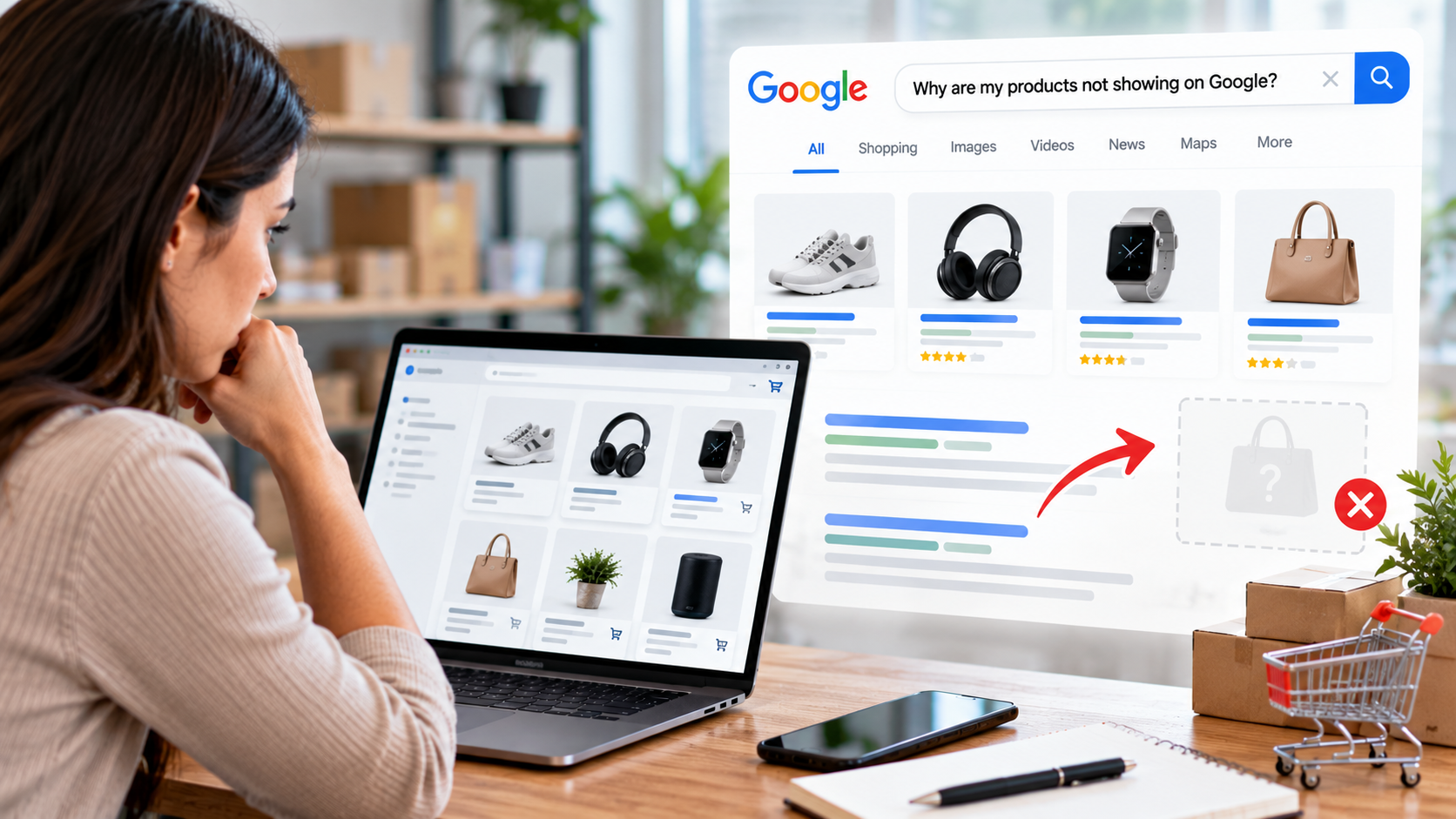
Your e-commerce products may be missing from Google Search because search engines cannot discover, crawl, or index their pages correctly. Other possibilities include duplicate product URLs, weak product descriptions, incorrect canonical tags, poor internal linking, and intense competition from other retailers.
Even if your products are available to customers on your website, that does not automatically mean their pages will appear in search results. Google must be able to access and understand the pages, determine which versions should be indexed, and assess their relevance to particular searches.
If your online store receives impressions for some categories but very little visibility for individual products, investigate the underlying causes before investing heavily in new content or backlinks.
The first step is to determine whether Google has indexed the product URLs you want to rank.
Open Google Search Console and inspect a sample of affected URLs using the URL Inspection tool. Review the reported indexing status, canonical information, and any crawl or access issues.
Check for common problems such as:
A page can be accessible to shoppers while still being unavailable to search engines because of configuration problems.
Do not assume that every unindexed URL needs to be indexed. Some duplicate, filtered, discontinued, or low-value pages may appropriately remain outside the index. Focus on the canonical product pages that offer genuine value to searchers.
E-commerce platforms often create multiple URLs for the same product. These variations may result from tracking parameters, filters, sorting options, product variants, or different category paths.
For example, the same product might be accessible through a general product URL and several category-specific URLs.
If these pages contain substantially similar information, search engines may have difficulty determining which version should be treated as the primary page.
Review your URL structure and canonical implementation. Use consistent internal links and ensure that canonical tags identify the preferred URL when appropriate.
Do not use canonical tags as a substitute for a well-designed site structure. If your platform creates unnecessary URL variations, address the underlying cause wherever practical.
Product variants also require careful handling. If different colors or sizes have distinct search demand and meaningful unique information, decide whether separate URLs are appropriate. The implementation should reflect how users search for and select those products.
Many online stores reuse manufacturer descriptions across their entire product catalog. This can leave hundreds of pages with nearly identical copy.
A generic description may tell customers what a product is, but it may not explain why a particular version suits their needs.
Improve product descriptions by including relevant, accurate information such as:
Avoid adding unsupported benefits or unnecessary paragraphs just to increase word count.
For instance, a product page for a wireless router should clearly explain supported standards, frequency bands, coverage considerations, ports, and compatibility where those details are relevant and verified.
Original, useful product information can help shoppers compare options and make informed decisions. It also gives your pages a clearer purpose than simply repeating manufacturer copy.
Search engines often discover pages through links. If your product pages are buried several levels deep or accessible only through a search box, discovery can become more difficult.
Organize your store into logical categories and subcategories. Link important products from relevant category pages, buying guides, and comparison resources.
For example, a guide explaining how to choose running shoes could link to appropriate shoe categories and product pages. Those links should help shoppers move naturally from learning about a need to evaluating suitable options.
Review your website for orphan pages, broken internal links, and products that require too many clicks to reach.
You can also strengthen category pages with useful introductory content and links to relevant subcategories. Avoid filling these pages with excessive keyword text that makes browsing harder.
A product can be technically indexed yet remain invisible for valuable searches because the page does not adequately match search intent.
A category page might target a broad shopping query, while an individual product page should usually focus on a particular product or model and its relevant attributes.
Map keywords to appropriate page types.
Use descriptive page titles, relevant headings, concise product descriptions, and natural language. Include attributes that customers genuinely use to distinguish products.
Do not force the same exact keyword onto every product page. Similar pages need clear differentiation, not mechanical keyword repetition.
Some e-commerce platforms rely heavily on JavaScript to load product details, reviews, pricing, and navigation.
Search engines can render many JavaScript-based pages, but implementation issues may prevent important content or links from being discovered reliably.
Test representative product URLs to confirm that essential information is available to search engines. Check whether titles, descriptions, product links, and important content appear in the rendered page.
Review loading behavior, error messages, and differences between the initial HTML and rendered output where relevant.
If important product information depends entirely on interactions that search engines cannot access reliably, work with your developers to improve rendering and accessibility.
A technical audit should focus on the actual implementation rather than assuming that every JavaScript-based store has an SEO problem.
Structured data can provide search engines with additional context about product information.
Depending on the page and Google’s eligibility requirements, product markup may describe details such as product names, images, prices, availability, and other supported attributes.
Ensure that your markup accurately reflects the visible page content and current product information.
Common issues include outdated prices, incorrect availability, mismatched product identifiers, and markup that describes information shoppers cannot see.
Validate the implementation using appropriate testing tools and monitor relevant reports in Search Console.
Structured data does not guarantee rich results or higher rankings. Its purpose is to communicate supported information accurately, not to manufacture visibility.
Online shoppers frequently browse product pages on mobile devices. Slow-loading images, intrusive pop-ups, difficult navigation, and unstable layouts can frustrate visitors.
Review your Core Web Vitals and broader page experience. Optimize oversized product images, reduce unnecessary scripts, and ensure that product information remains readable across screen sizes.
Make important controls easy to use. Shoppers should be able to select variants, review prices, and understand availability without excessive scrolling or confusing interactions.
Performance improvements should support real user needs. A technically fast page is not automatically successful if customers cannot find product information or complete a purchase.
For further guidance, explore SEOS Firm’s technical SEO recommendations for website visibility.
Out-of-stock and discontinued products can create challenges for large stores.
Do not automatically delete every unavailable product URL. If a product is temporarily out of stock, keeping its page available with accurate availability information may preserve its usefulness to shoppers.
For permanently discontinued products, consider whether a relevant replacement exists. Depending on the circumstances, you might maintain a helpful product page, redirect to a close replacement, or return an appropriate status when no suitable alternative exists.
Avoid redirecting every discontinued product to the homepage. The destination should make sense to visitors and preserve relevant intent where possible.
Your inventory system and SEO implementation should work together so that availability information remains accurate and customers do not encounter misleading product details.
A practical optimization plan starts with evidence.
Step 1: Identify important products that are missing from search results.
Step 2: Inspect indexing status and technical accessibility.
Step 3: Review canonical tags, duplicate URLs, and internal links.
Step 4: Improve weak product descriptions and category information.
Step 5: Validate relevant product structured data.
Step 6: Review mobile performance and user experience.
Step 7: Monitor organic impressions, clicks, product-page visits, and purchases.
Start with high-value products and categories rather than trying to fix every URL simultaneously.
E-commerce products can remain invisible on Google for several reasons, from indexing problems and duplicate URLs to generic descriptions and weak site architecture.
The most effective approach is to identify the specific barrier affecting each important page. Fix technical issues first, improve product information, strengthen internal links, and make the shopping experience easier to use.
With consistent monitoring, your online store can build a stronger foundation for product discovery and qualified organic traffic.
Explore E-Commerce SEO Support
Possible causes include indexing restrictions, duplicate URLs, weak internal linking, technical errors, or insufficiently differentiated content. Use Search Console to investigate specific URLs.
Unique, useful descriptions are recommended where practical. They should explain relevant product features and differences rather than repeating generic manufacturer copy.
Structured data helps communicate supported product information. It does not guarantee higher rankings or rich results, and it must accurately reflect the page.
Not automatically. Consider whether the item is temporarily unavailable, whether a replacement exists, and whether the page still helps shoppers. Choose a handling method that matches the circumstances.
Use Google Search Console’s URL Inspection tool to review individual product URLs. Check indexing reports and monitor important pages over time.